01Step one
Name it. Pick what kind.
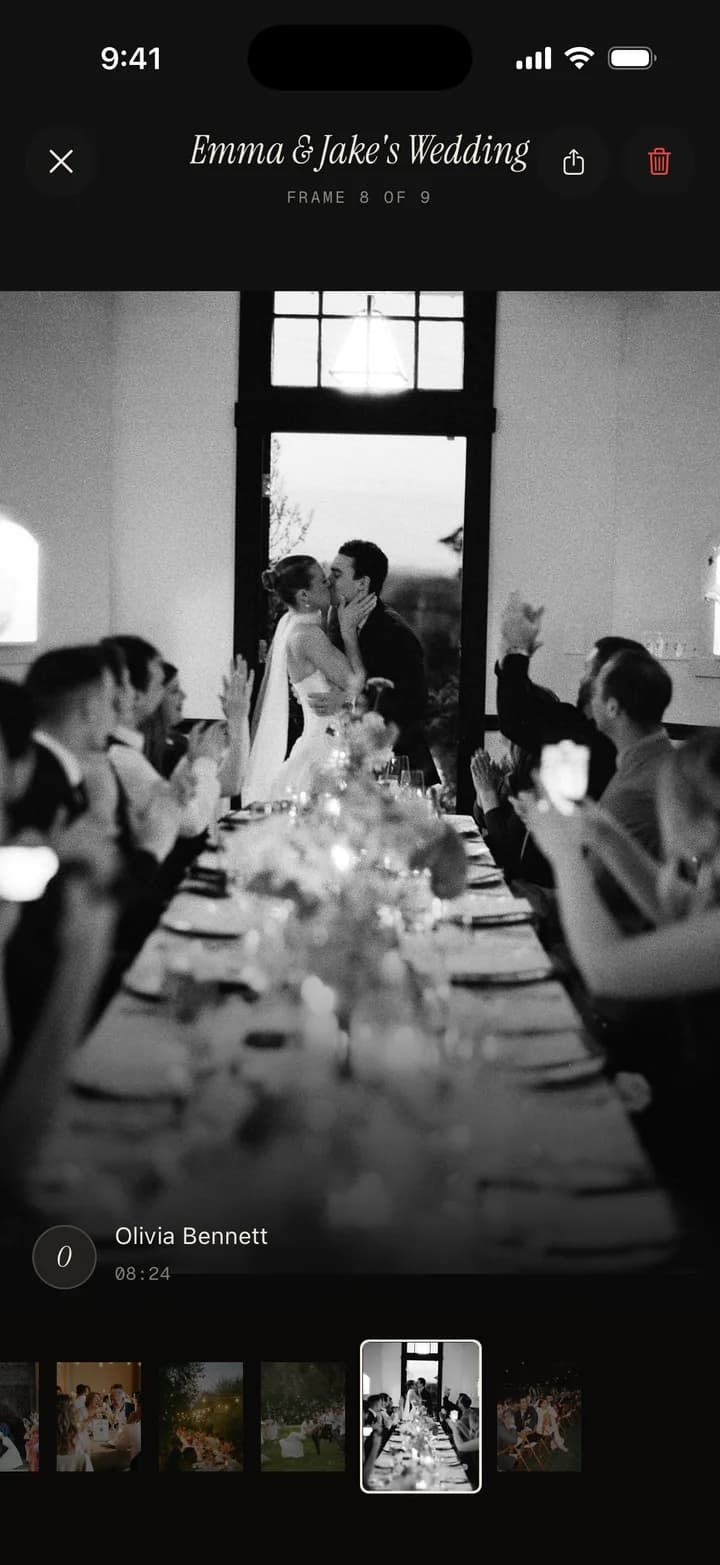
Open the app and tap Begin. A film is a single night — a wedding, a birthday, a Tuesday that turned out to matter. An album is the long arc — a trip, a first year, a season. You'll name it, give it a cover word, and that's the whole setup.
- Filmone night, one roll, one developed reveal
- Albummultiple chapters across days, months, or years
- Setup timeunder sixty seconds
02Step two
Choose the reveal. Set the pace.
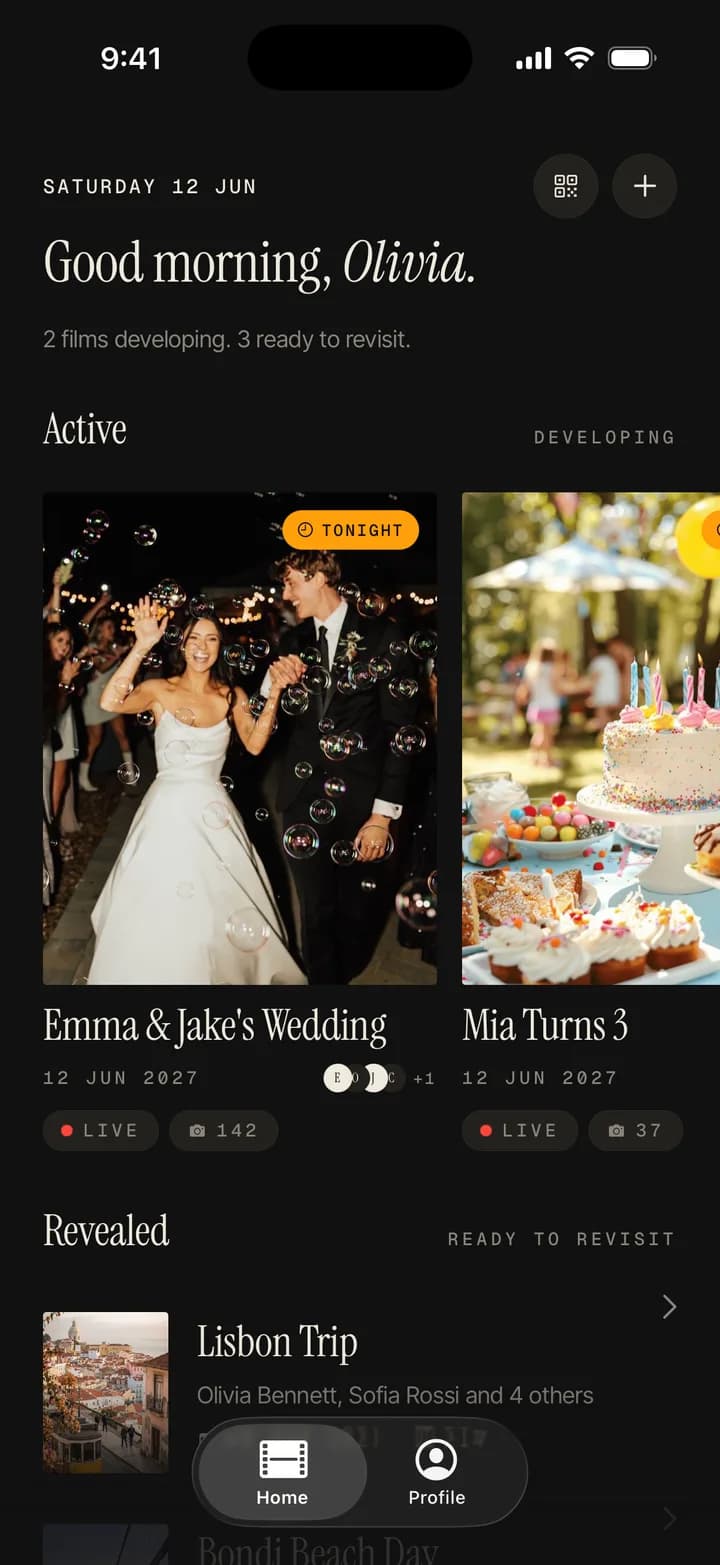
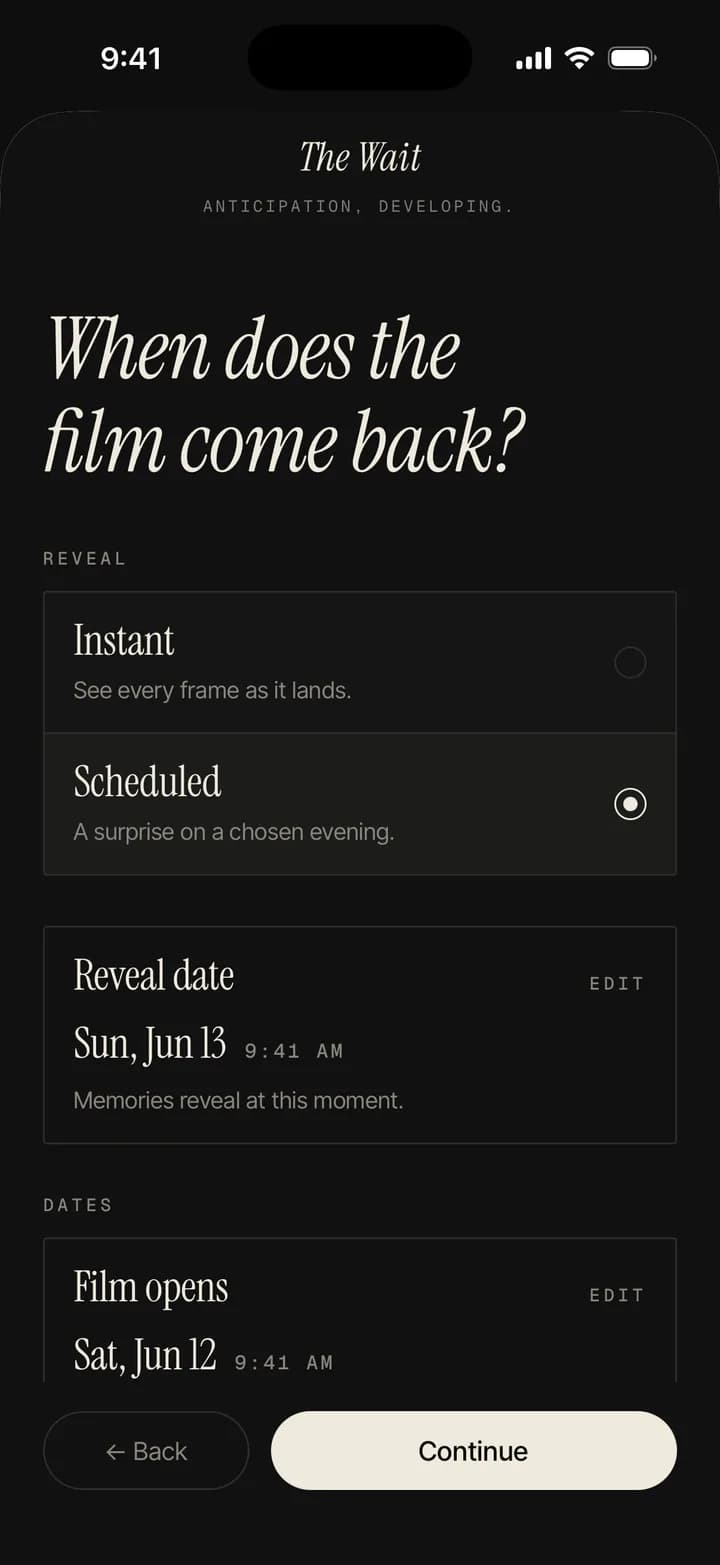
The host shapes how the night will feel. Pick instant and the roll develops live, frame by frame, as guests shoot. Pick scheduled and every frame stays sealed until the time you set — sunrise, brunch, the day after, a week. Then choose whether guests get a freefall or a frame limit.
- Revealinstant, or scheduled to any time
- Per-guestfreefall, or a frame limit you set
- Filtersthree handcrafted looks, available to everyone
03Step three
A QR card. No download.
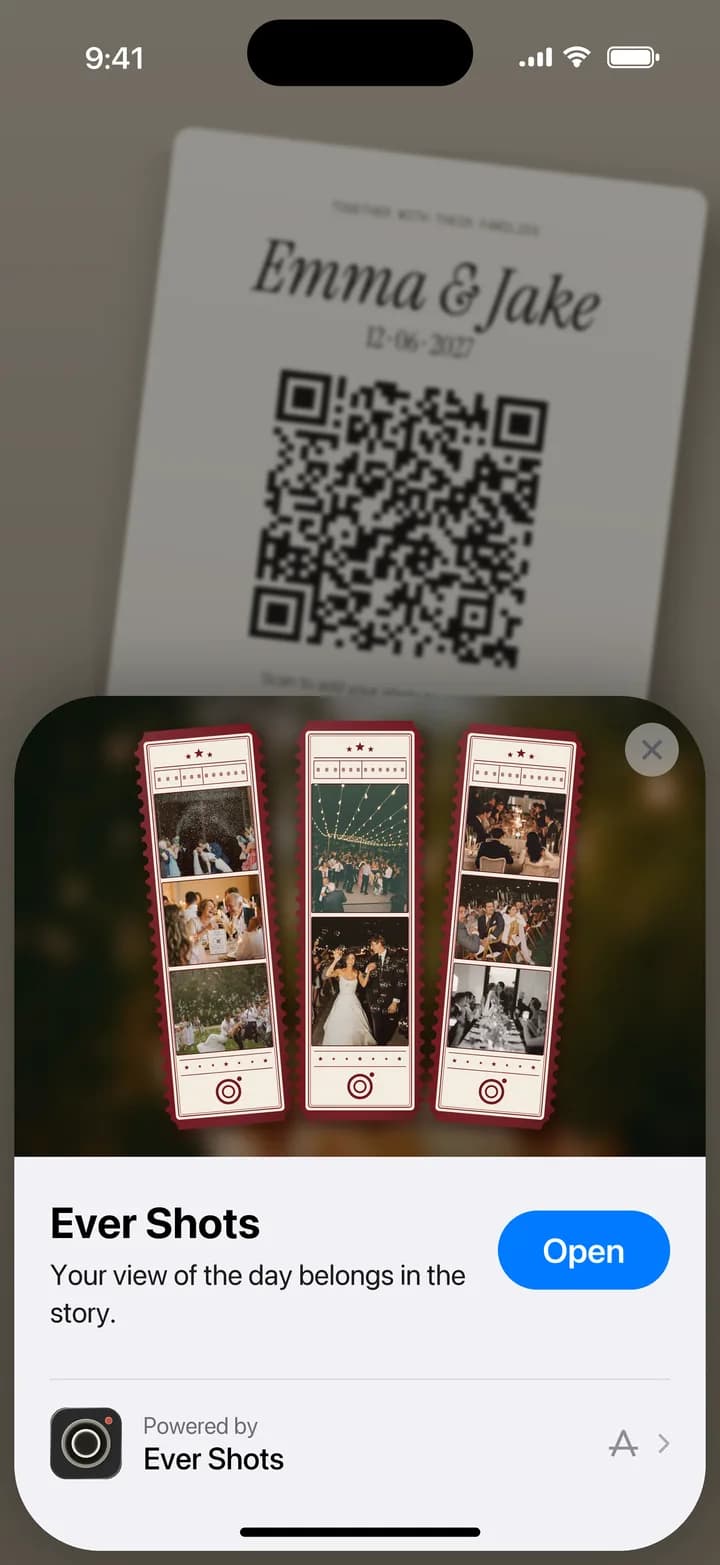
You'll get a single QR — print it as a card, drop it in a message, leave it on the table. Anyone who scans it joins the roll instantly. On iPhone the App Clip opens straight into the camera; on Android we open the same shooter in the browser. No download, no account, no "what app is it again" at the bar.
- iPhoneApp Clip — straight to the camera
- Androidinstant web shooter, same roll
- Optionalorder printed cards in matte cotton
04Step four
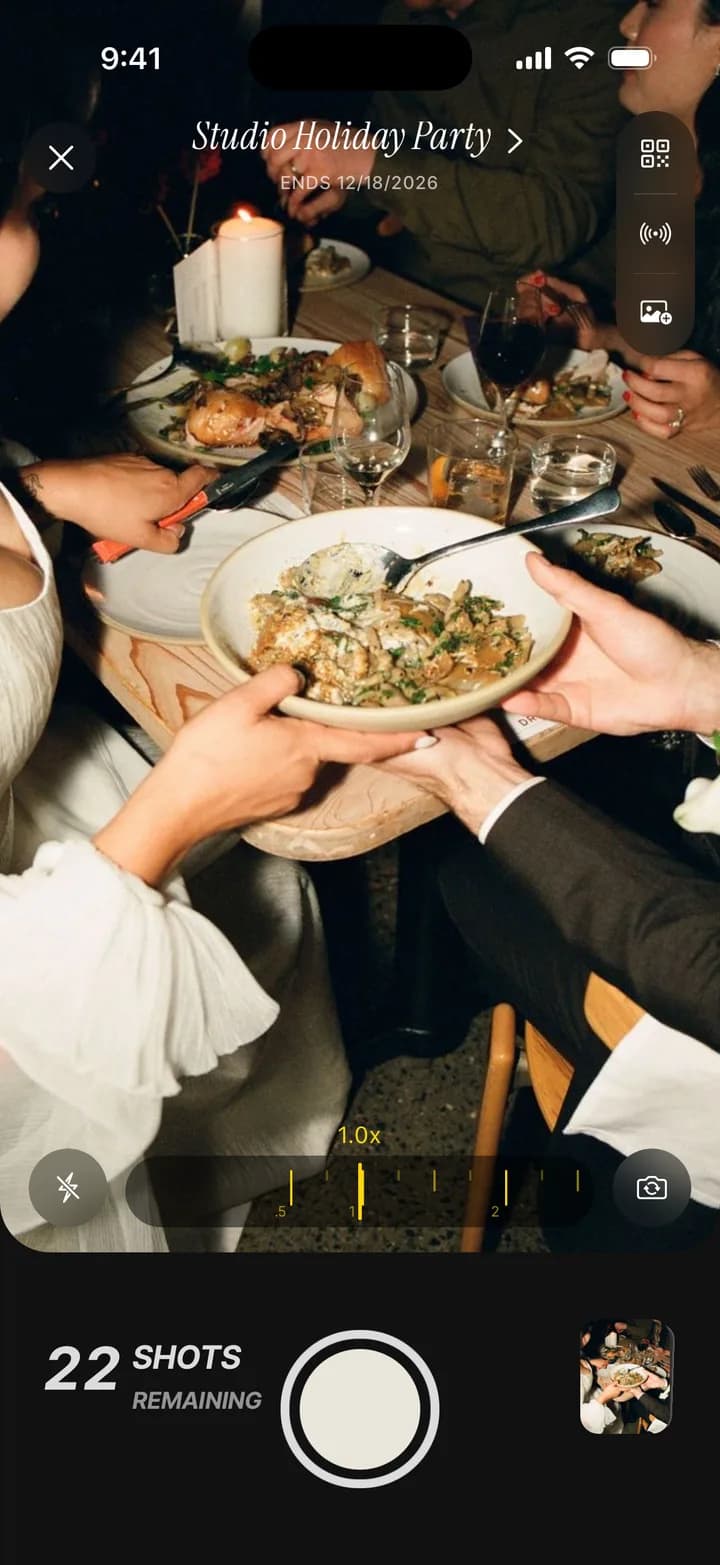
Three filters. Optional captions.
Everyone — host and guests — sees the same simple camera. Frame, tap, done. Switch between three handcrafted filters as the room changes. After each shot, anyone can leave a short caption — a side of the room, a joke, a song — and it travels with the frame forever.
- Filter 1Classic — soft mid-grey, default
- Filter 2Push +2 — contrast and grain
- Filter 3Daybreak — open shadows, mornings
- Captionup to 80 characters, optional
05Step five
The held breath. Or the live develop.
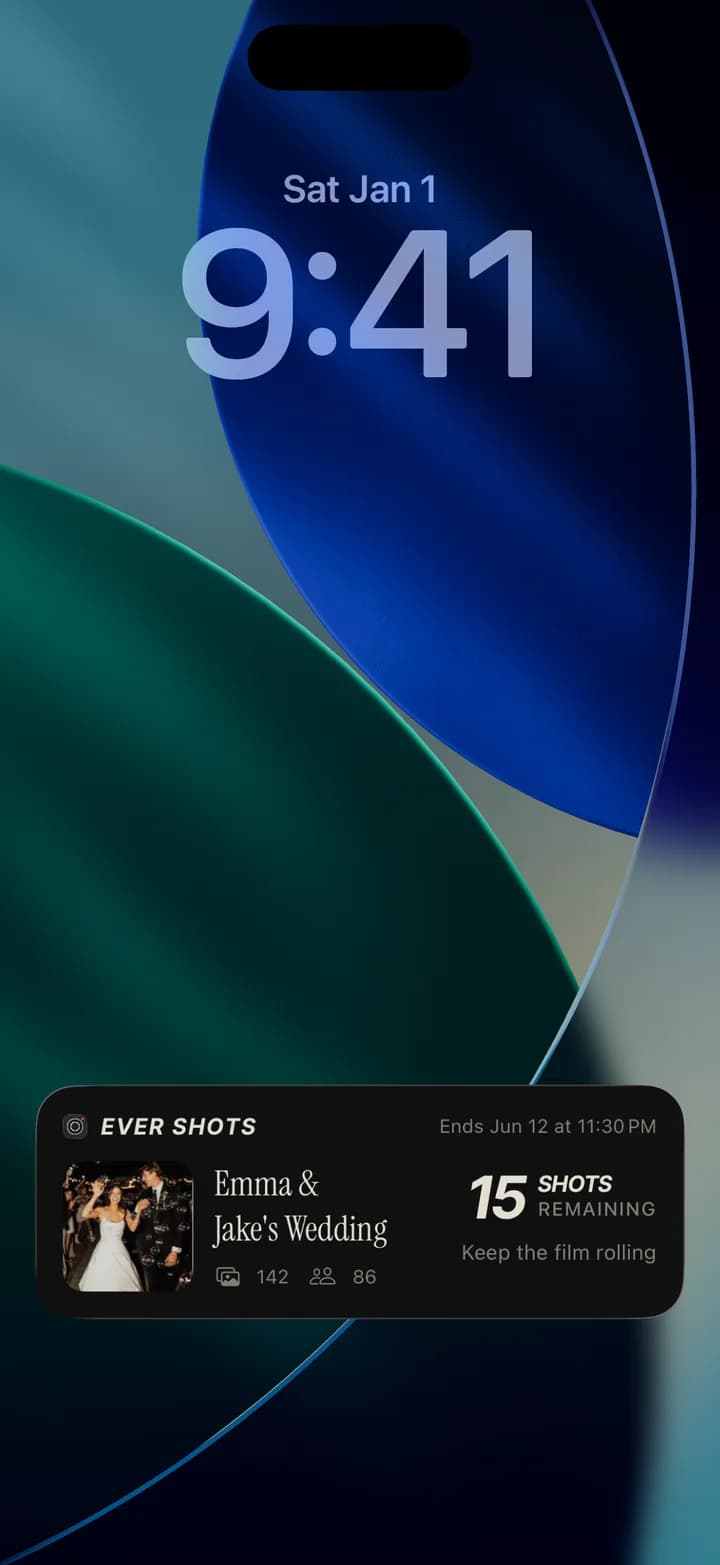
If you chose scheduled, every frame is sealed — yours included. No previews, no group huddle around a screen, no "let me see." The night just happens. If you chose instant, the developed roll updates live as your guests shoot — a different kind of magic, equally on-purpose.
- Scheduledeverything sealed until your set time
- Instantframes develop live in the shared roll
- Offlineshoot anywhere; frames sync when signal returns
06Step six
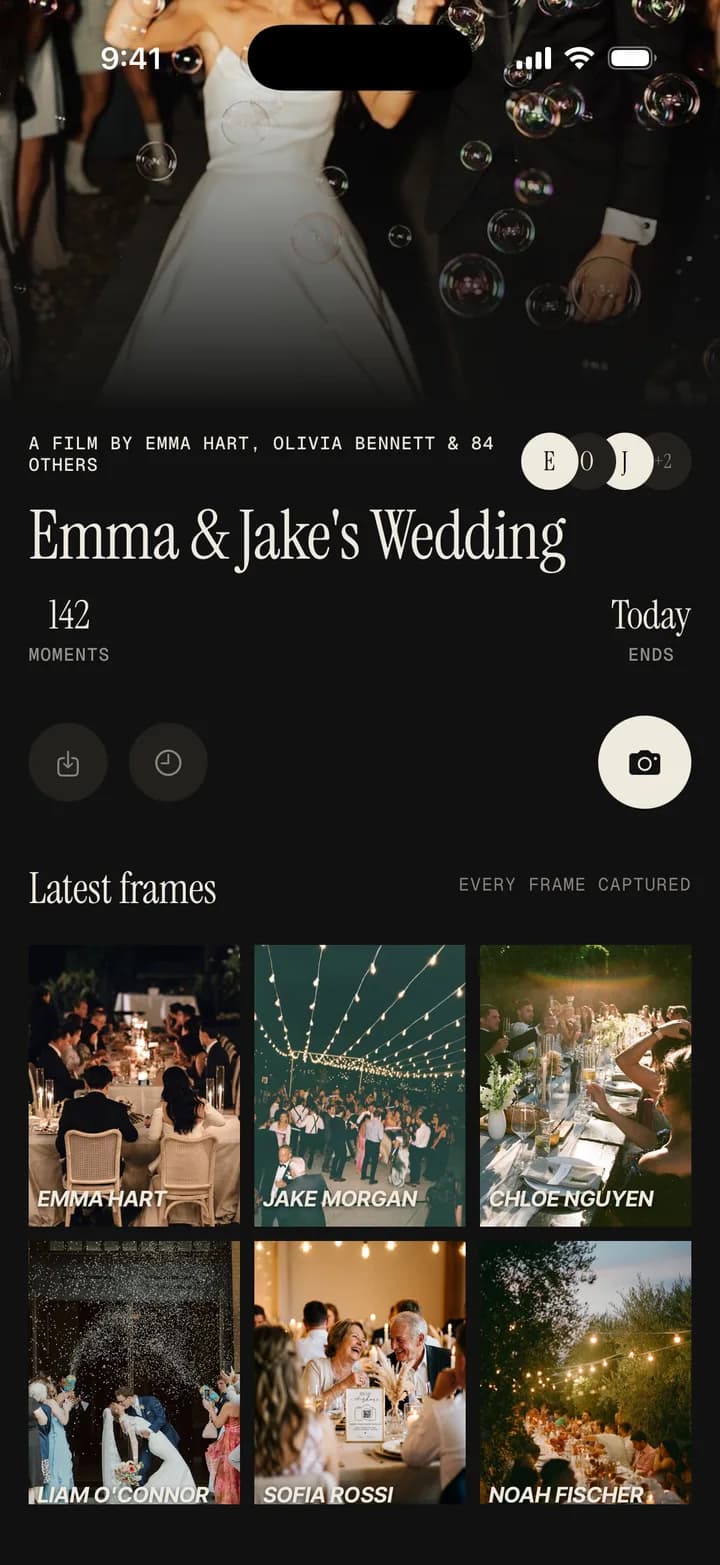
The whole night, at once.
At the time you set, the roll opens for everyone at the same moment. Frames appear in the order they were shot, captions land with them, attributions sit quietly underneath. The morning after a wedding finally feels the way the morning after a wedding used to feel.
- Openseverywhere at once, for everyone in the roll
- Ordertime-stamped, woven into a single arc
- Moodcinematic — a held breath, then a long exhale
07Step seven
Export. Archive. Keep forever.
Export the whole roll in full 4K resolution straight to your camera roll. Save the album to your Ever Shots shelf, yours to keep.
- Exportfull 4K to your camera roll
- Formathigh-resolution JPEG, ready to share or archive
- Keepyours forever, one-time — no subscription